How to Fill Out the Dominican Republic E-Ticket (Step-by-Step)
Filling Out Your E-Ticket
Every passenger, adults and kids, completes a free digital entry form before flying to the Dominican Republic. It takes a few minutes and can be done up to seven days ahead. Skip it and you’ll be filling it out on your phone in the airport line instead.
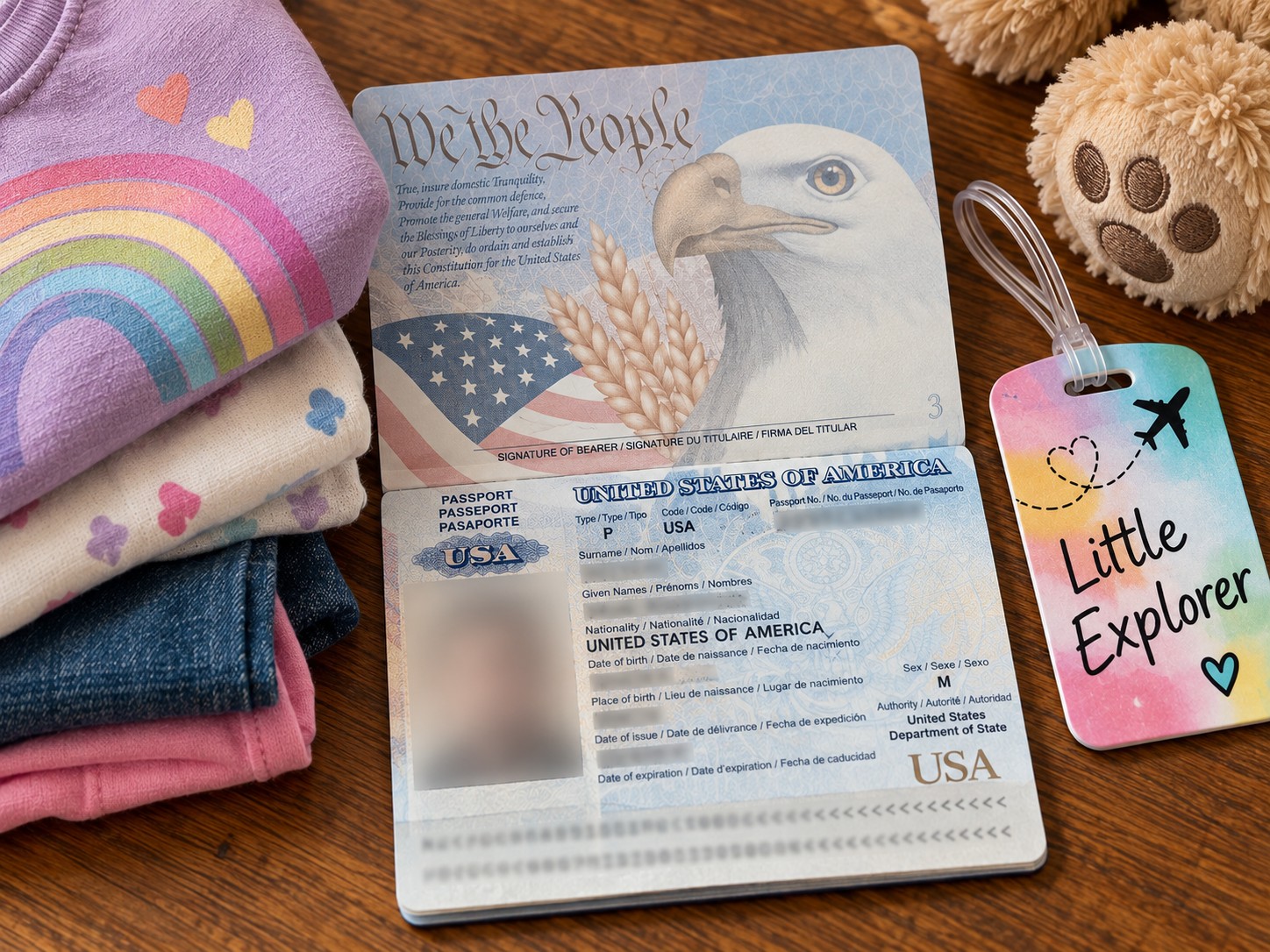
- Passport number
- Flight number
- Arrival date
- Your DR address
One submission covers your whole group, just add each traveler as you go.
Already started the form and stuck on something? Jump to E-Ticket Troubleshooting below.
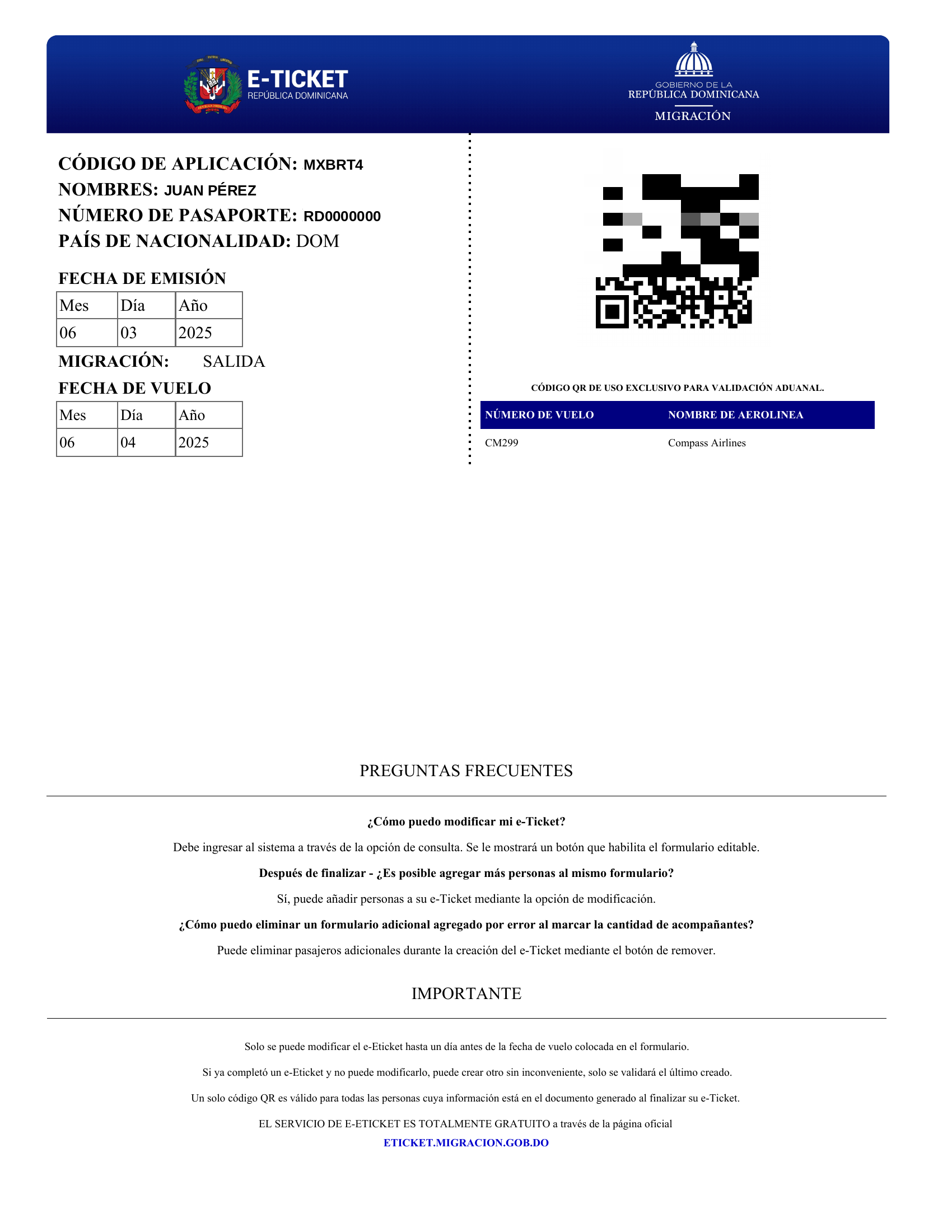
You’ll get a QR code by email after submitting. Save or screenshot it, that’s what Migration scans when you land.
What Happens at the Airport
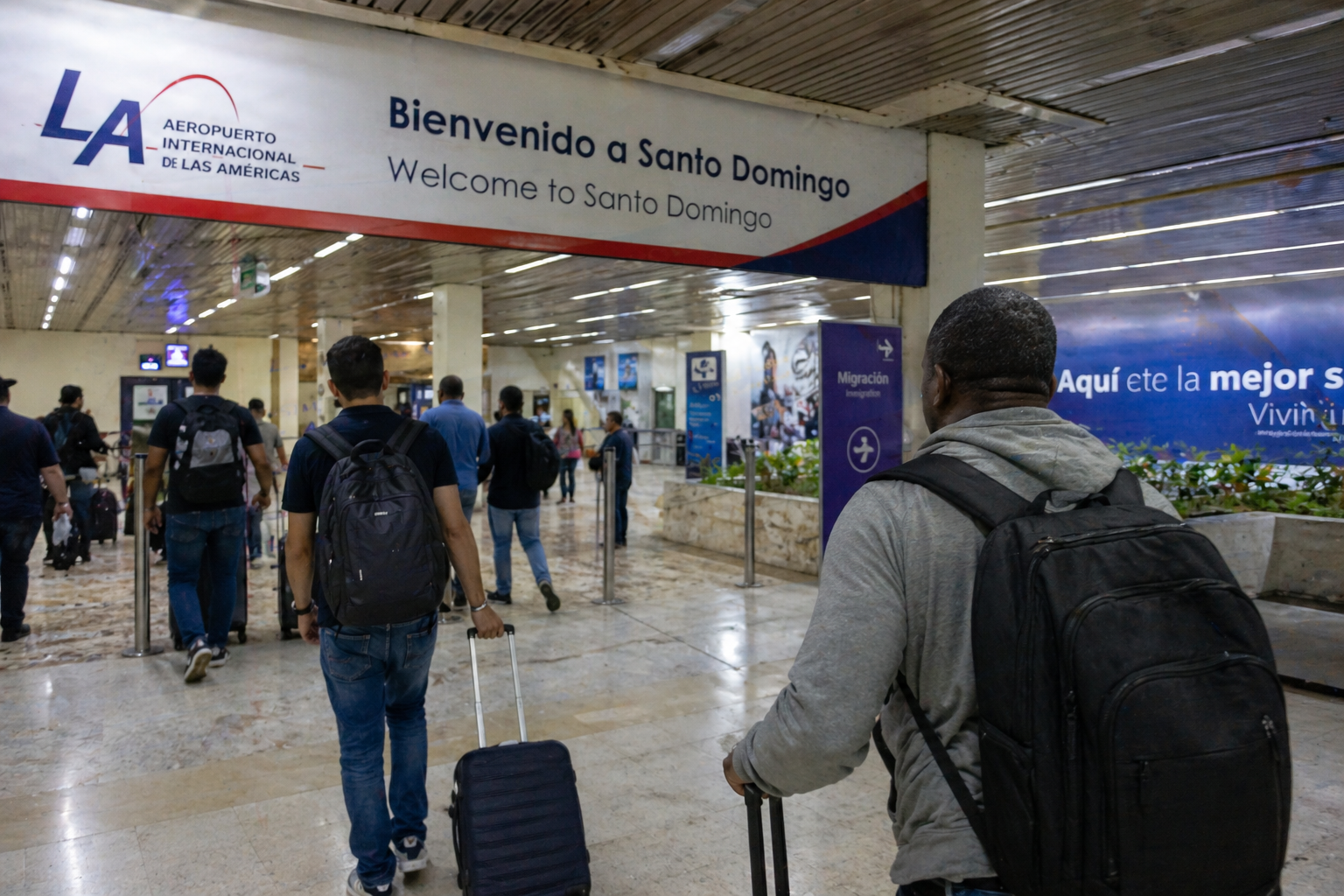
When you land, you’ll follow the signs toward immigration. At some point before passport control, an official will usually just say “e-ticket?” You open the screenshot on your phone, they scan it, and you keep moving.
You’re not being tested on the form. You’re not expected to explain anything. You’re just showing proof that it’s done.
Common First-Time Mistakes
A minor typo in your family’s address, or hotel name, won’t cause a problem. Filling it out the night before is completely normal. Forgetting to print it isn’t an issue — your phone works fine.
The only thing that actually creates a headache is not saving the QR code. So once the form is finished, save it immediately and move on.
E-Ticket Troubleshooting
My address isn’t in the Sector dropdown. What do I do?
Verified 9/2026 — the current form requires selecting a Sector from a fixed list, with no “nearest option” or free-text override. If your specific neighborhood isn’t listed, pick the closest listed sector, then put your actual street address in the “Calle y Número” field below it — that field accepts free text. Note: the sector search is accent-sensitive (e.g., “Bávaro” works, “Bavaro” without the accent doesn’t) — try the accented spelling if your first search comes up empty.
Where do I find my confirmation number?
Verified 9/2026 — the form calls this the “código de aplicación” (application code), not a confirmation number. It’s generated at the very start of the form, before you enter any personal information — save or screenshot it immediately. You’ll need it both to finish your submission later and to re-access your E-Ticket afterward through the “Consultar E-Ticket” option on the homepage.